
I’ve manually designed 1,000+ thumbnails.
Here are 2 things I wish I knew earlier…
1) Using SVG export
It’s a free chrome extension that I use multiple times a week
To rapidly download SVG icons from any page on Chrome.
If you don’t know what .svg files are…
They’re images that you can zoom in on
Without them getting blurry.

Having this extension truly is a cheatcode for both me and my video editor.
2) Batch renaming files (Mac or Windows)
If you think this is obvious…
You don’t know the amount of time I wasted exporting each thumbnail individually.
For some videos I have 15 thumbnail variants.
For some videos I have 60+ thumbnail variants.
Batch renaming them so I can easily keep track of the [UNIQUE ID] in their file name allows me to keep track of A/B tests in a more automated way.
If that sounds advanced…
It is.
Don’t worry. Not something I will dive into today.
But using Mac’s native batch rename feature has saved me a LOT of time.

Before I found out…
I was manually renaming each of e.g. 67 thumbnail file names.
Can you imagine…?
STUPID haha.
If you use Windows, PowerToys is a great free tool.
Here’s how the batch rename looks like for windows.
If you have a team…send this post to your editor
If you DIY, it was my pleasure.
~ Jordan Kruk
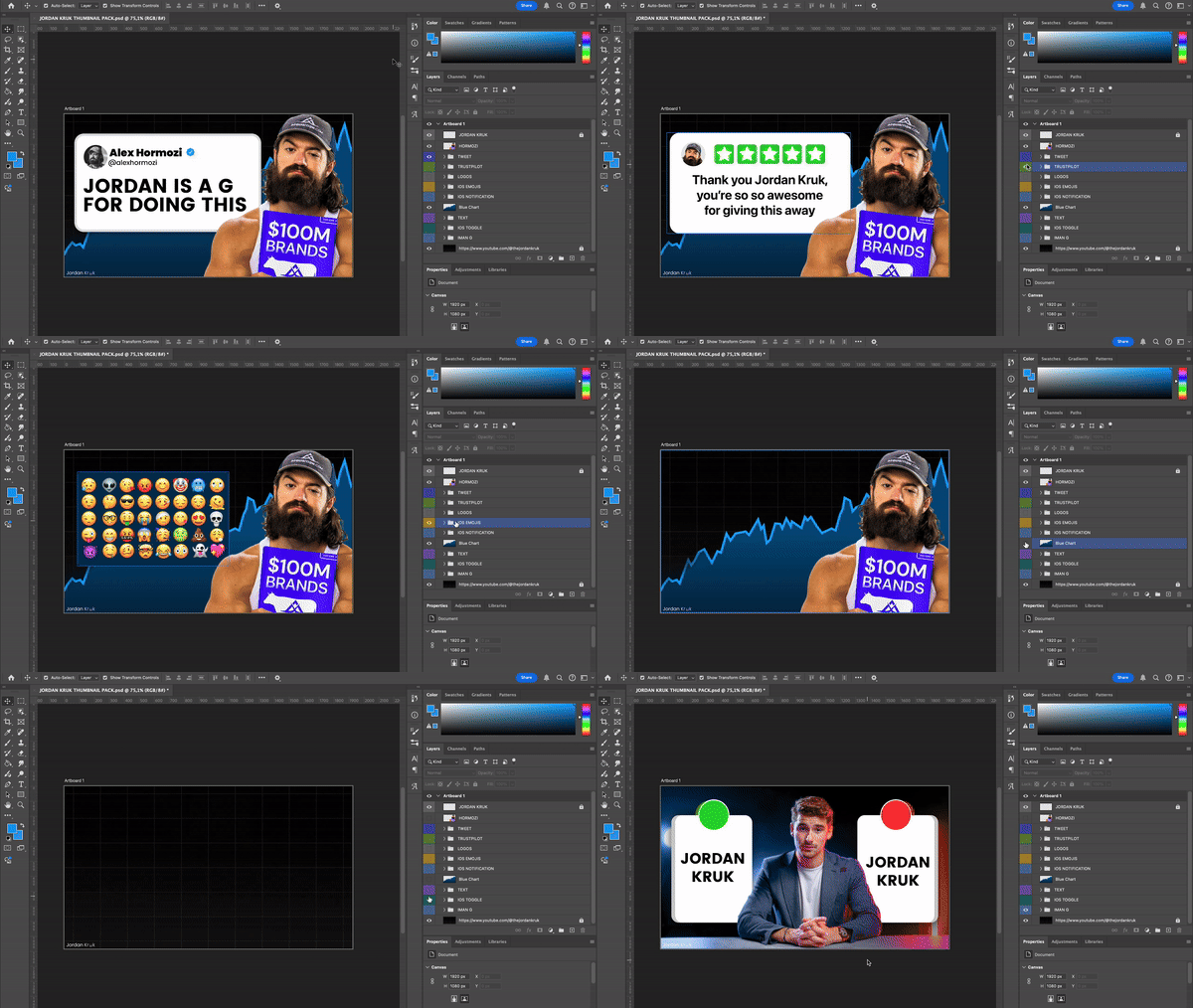
PS: If you wonder how I create SO many thumbnails,
Download my Free Thumbnail Pack 👇
PS: If you wonder how I test so many thumbnails, this has been the best tool I use.
I’m not a fan of paying for tools, as you know, but this has been one of the few that could cost 3x more and I would still use it.